Find the right laptop for your design journey
Whether you're heading into design school or deep into professional practice — answer a few quick questions and get matched to hardware built for the work you actually do.
No sign-in required · No data collected · Just good advice
Find your laptop
Filter by course, budget, and workload
Every laptop listed here is hand-picked based on real course requirements and years of experience guiding design students.
Your Programme / Domain
Select your programme, then narrow by specialisation
Prices and availability can change. Use See on Amazonfor the retailer's latest details.

ASUS · H7606WX-SE028WS
₹4,99,990
ASUS ProArt P16 OLED (2025)
Premium tier
Price as of 28 Sept
Some links may earn LaptopFinder a commission. Recommendations are based on fit and value first.

ASUS · TUF A16 FA608PP-QT014WS
₹2,39,990
ASUS TUF A16
Premium tier
Price as of 28 Sept
Some links may earn LaptopFinder a commission. Recommendations are based on fit and value first.

ASUS · G614PR-RV032WS
₹2,79,990
ASUS ROG Strix G16
Premium tier
Price as of 28 Sept
Some links may earn LaptopFinder a commission. Recommendations are based on fit and value first.

Lenovo · 83JG008MIN
₹1,99,250
Lenovo LOQ 2025
Premium tier
Price as of 28 Sept
Some links may earn LaptopFinder a commission. Recommendations are based on fit and value first.

Acer · PH16-72
₹1,99,990
Acer Predator Helios 16 Gaming Laptop
Premium tier
Price as of 28 Sept
Some links may earn LaptopFinder a commission. Recommendations are based on fit and value first.

ASUS · G614PR-RV032WS
₹2,79,990
ASUS ROG Strix G16
Premium tier
Price as of 28 Sept
Some links may earn LaptopFinder a commission. Recommendations are based on fit and value first.

HP · Omen 16 am0240tx
₹1,58,990
HP Omen 16
Advanced tier
Price as of 28 Sept
Some links may earn LaptopFinder a commission. Recommendations are based on fit and value first.
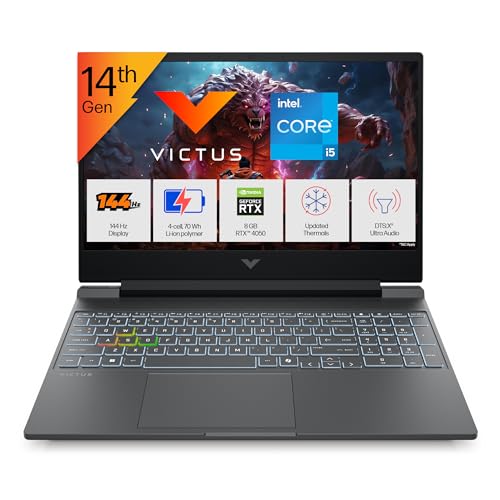
HP · fa2382tx
₹1,26,300
HP Victus
Balanced tier
Price as of 28 Sept
Some links may earn LaptopFinder a commission. Recommendations are based on fit and value first.
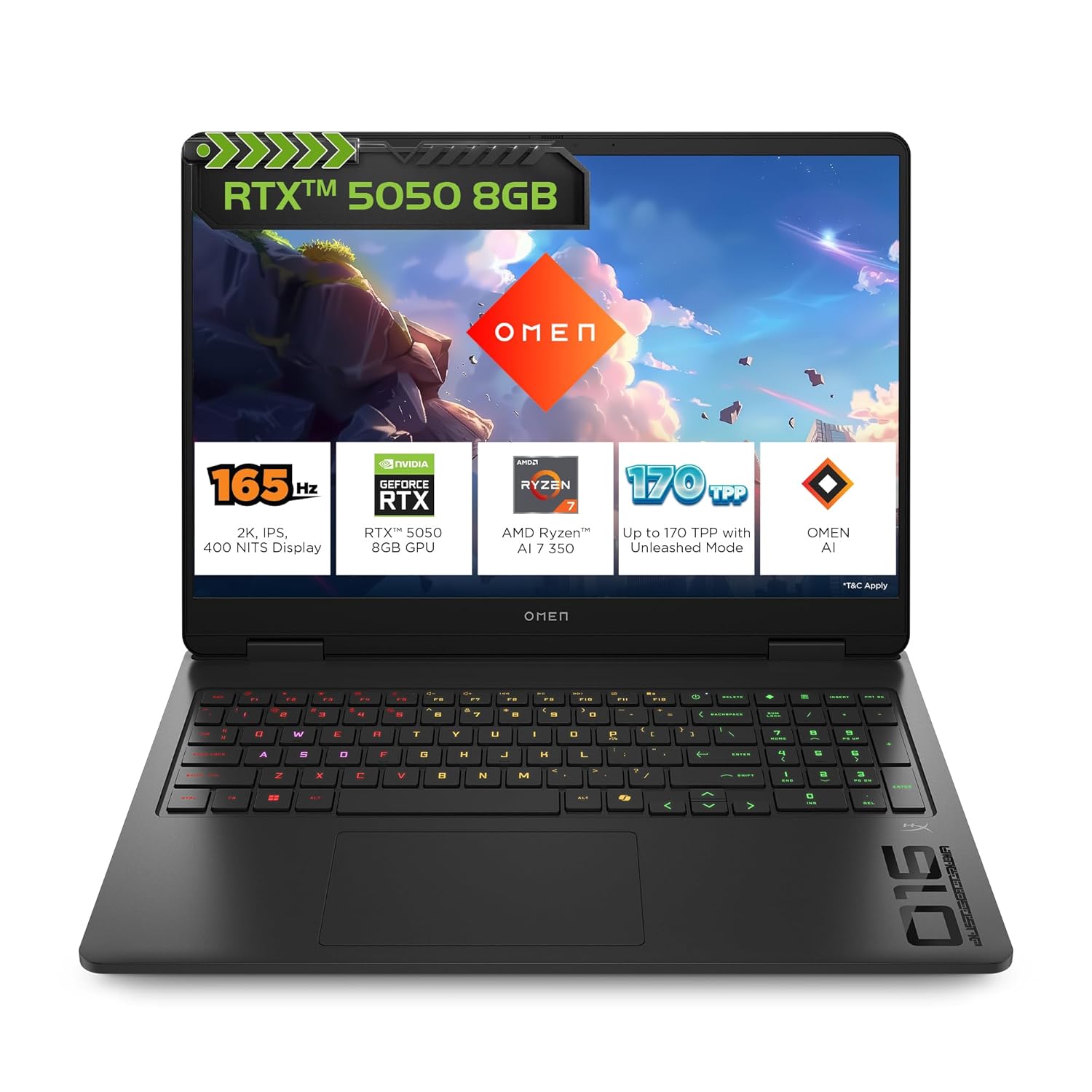
HP · ap0165AX
₹1,62,490
HP Omen Gaming Laptop
Advanced tier
Price as of 28 Sept
Some links may earn LaptopFinder a commission. Recommendations are based on fit and value first.
The changing landscape
Design education is computationally evolving
Design students are no longer using laptops only for documentation, browsing, and basic layout work. Across disciplines, AI-assisted ideation, 3D visualisation, video workflows, simulation, and real-time rendering are becoming part of creative education. The right laptop should be chosen not only for the first semester, but for the full design-learning journey.
Communication, Fashion, Brand
ModerateAI-assisted ideation, text-to-image generation, mockup creation, and brand toolkit automation are entering design workflows. 2D-heavy work remains manageable on mid-range hardware, but generative tools increasingly benefit from a capable GPU.
Product, Interaction, Interior
Significant3D visualisation, parametric modelling, simulation tools, and real-time rendering previews are increasingly used across these disciplines. Expect Blender, Rhino, or SketchUp to be part of the toolkit within the first year.
Animation, Film, Motion
Very HighGPU rendering (Cycles, V-Ray, Arnold), AI-assisted in-betweening, motion capture processing, and video grading workflows demand heavy compute. 8GB+ VRAM and fast multi-core CPUs are not optional for sustained use.
Game Art, Game Design, Programming
Very HighReal-time rendering engines (Unreal 5, Unity), procedural asset creation, shader development, and live game testing are the core workflow. RTX 4060 is a practical minimum; 4070 is strongly preferred for Unreal 5 work.
Transportation & Mobility Design
Very HighSurfacing, photorealistic rendering, fluid simulation, and structural analysis tools are computationally intensive. These disciplines sit at the high end of hardware requirements — plan for the highest practical GPU tier in your budget.
AI in Creative Practice
CriticalRunning local diffusion models, fine-tuning workflows, generative design scripting, and GPU-accelerated inference require 8GB+ VRAM as a baseline. This discipline has the highest compute requirements of any design course.
Communication, Fashion, Brand
ModerateAI-assisted ideation, text-to-image generation, mockup creation, and brand toolkit automation are entering design workflows. 2D-heavy work remains manageable on mid-range hardware, but generative tools increasingly benefit from a capable GPU.
Product, Interaction, Interior
Significant3D visualisation, parametric modelling, simulation tools, and real-time rendering previews are increasingly used across these disciplines. Expect Blender, Rhino, or SketchUp to be part of the toolkit within the first year.
Animation, Film, Motion
Very HighGPU rendering (Cycles, V-Ray, Arnold), AI-assisted in-betweening, motion capture processing, and video grading workflows demand heavy compute. 8GB+ VRAM and fast multi-core CPUs are not optional for sustained use.
Game Art, Game Design, Programming
Very HighReal-time rendering engines (Unreal 5, Unity), procedural asset creation, shader development, and live game testing are the core workflow. RTX 4060 is a practical minimum; 4070 is strongly preferred for Unreal 5 work.
Transportation & Mobility Design
Very HighSurfacing, photorealistic rendering, fluid simulation, and structural analysis tools are computationally intensive. These disciplines sit at the high end of hardware requirements — plan for the highest practical GPU tier in your budget.
AI in Creative Practice
CriticalRunning local diffusion models, fine-tuning workflows, generative design scripting, and GPU-accelerated inference require 8GB+ VRAM as a baseline. This discipline has the highest compute requirements of any design course.
Communication, Fashion, Brand
ModerateAI-assisted ideation, text-to-image generation, mockup creation, and brand toolkit automation are entering design workflows. 2D-heavy work remains manageable on mid-range hardware, but generative tools increasingly benefit from a capable GPU.
Product, Interaction, Interior
Significant3D visualisation, parametric modelling, simulation tools, and real-time rendering previews are increasingly used across these disciplines. Expect Blender, Rhino, or SketchUp to be part of the toolkit within the first year.
Animation, Film, Motion
Very HighGPU rendering (Cycles, V-Ray, Arnold), AI-assisted in-betweening, motion capture processing, and video grading workflows demand heavy compute. 8GB+ VRAM and fast multi-core CPUs are not optional for sustained use.
Game Art, Game Design, Programming
Very HighReal-time rendering engines (Unreal 5, Unity), procedural asset creation, shader development, and live game testing are the core workflow. RTX 4060 is a practical minimum; 4070 is strongly preferred for Unreal 5 work.
Transportation & Mobility Design
Very HighSurfacing, photorealistic rendering, fluid simulation, and structural analysis tools are computationally intensive. These disciplines sit at the high end of hardware requirements — plan for the highest practical GPU tier in your budget.
AI in Creative Practice
CriticalRunning local diffusion models, fine-tuning workflows, generative design scripting, and GPU-accelerated inference require 8GB+ VRAM as a baseline. This discipline has the highest compute requirements of any design course.
A note on planning: Students do not always need the most expensive laptop. But they should buy with a 3–4 year academic journey in mind. A well-chosen ₹90,000 laptop with 16GB RAM, an RTX 4060, and an upgradeable slot will serve most students better than a ₹1,20,000 thin laptop with soldered 16GB RAM and an RTX 4050.
Already have a MacBook or iPad?
Here's how to think about it for design education.
MacBooks are excellent for writing, note-taking, web browsing, Figma, Sketch, light Adobe work, photography, and video editing in Final Cut. They run cool and quiet, and battery life is outstanding. If you already own one, it will serve you well for communication design, UI/UX, fashion communication, and brand management courses.
However, for 3D modelling (Blender, Rhino, 3ds Max), game development (Unreal Engine), rendering with CUDA/NVIDIA acceleration, AI workflows with NVIDIA GPUs, and most simulation tools used in animation, game, product, interior, and transportation design — a Windows laptop with an NVIDIA RTX GPU is generally the safer, more capable choice. The design industry largely runs these tools on Windows with NVIDIA hardware.
NVIDIA's CUDA platform is the backbone of nearly every serious AI and creative computing tool — Stable Diffusion, ComfyUI, Blender Cycles, DaVinci Resolve, Topaz, and most local LLM runners (Ollama, llama.cpp) all run significantly faster, or exclusively, on CUDA. Apple Silicon has its own ML acceleration, but CUDA compatibility remains the industry standard and the gap widens as models grow larger.
Regardless of your design discipline — even if you are studying communication or fashion — if you want to run local AI models, explore generative image workflows, automate tasks with AI scripts, or experiment with creative coding and diffusion tools, an NVIDIA RTX GPU gives you direct access to the full ecosystem without workarounds. This is increasingly relevant across every design field, not just the compute-heavy ones.
An iPad with Apple Pencil is a valuable companion for sketching, note-taking, ideation, and mood boarding. It is not a replacement for a laptop for design coursework. Use it alongside your main laptop, not instead of one.
Practical advice: Students who already own a MacBook or iPad may use them initially and decide after understanding their specific course workload. Heavy 3D, animation, game, AI, and computational design workflows will benefit from a Windows machine with an NVIDIA RTX GPU sooner — but even lighter disciplines benefit the moment you want to run AI tools natively.
Why trust these recommendations?
Straight answers about our process and how we make our picks.
Still unsure? Ask your doubt
Join the laptop guidance group on WhatsApp. Get advice from students and advisors who have been through the same buying decisions.