Lf
Blog
Honest laptop guidance for Indian students

Find the right laptop for the work you actually do

The right laptop depends entirely on your field. Pick your discipline below and we'll match you to hardware built for it — no spec-sheet jargon, no upselling.

Understand Laptop Specs

Choose your domain

Design

Colour-accurate displays and real GPU muscle for graphic, UI/UX, product, animation, game, and 3D work.

Explore design laptops

Technology

RAM, fast CPUs, and quick SSDs for web, data, ML/AI, mobile, cybersecurity, and game programming.

Explore technology laptops

Management

Light, all-day machines that breeze through Excel, BI tools, and presentations for MBA and business work.

Explore management laptops
Top picks

The most affordable pick in every field

The lowest prices in the catalog that still clear our quality bar — cheap, but not a compromise you'll regret in year two.

Design

HP Smartchoice Victus

RTX 3050 · 24GB RAM · 512GB SSD

₹92,990Balanced
Learn more
HP Smartchoice Victus , Design pick
Design

Lenovo LOQ

RTX 5050 · 16GB RAM · 1000GB SSD

₹1,69,490Advanced
Learn more
Lenovo LOQ, Design pick
Technology

Lenovo IdeaPad Slim 3

Integrated graphics · 16GB RAM · 512GB SSD

₹71,750Balanced
Learn more
Lenovo IdeaPad Slim 3, Technology pick
Technology

ASUS Vivobook 16

Integrated graphics · 16GB RAM · 512GB SSD

₹77,990Value
Learn more
ASUS Vivobook 16, Technology pick
Management

Acer Aspire Lite (2026)

Ryzen 3 · 8GB RAM · 512GB SSD

₹44,680Budget
Learn more
Acer Aspire Lite (2026), Management pick
Management

Lenovo V15 G4 AMD Ryzen 5 7520U DOS 15.6 inch FHD Thin & Lite Laptop

Ryzen 5 · 16GB RAM · 512GB SSD

₹54,890Value
Learn more
Lenovo V15 G4 AMD Ryzen 5 7520U DOS 15.6 inch FHD Thin & Lite Laptop, Management pick
Design

ASUS ROG Strix SCAR 16

RTX 5090 · 32GB RAM · 2TB SSD

₹4,49,990Premium
Learn more
ASUS ROG Strix SCAR 16, Design pick
Design

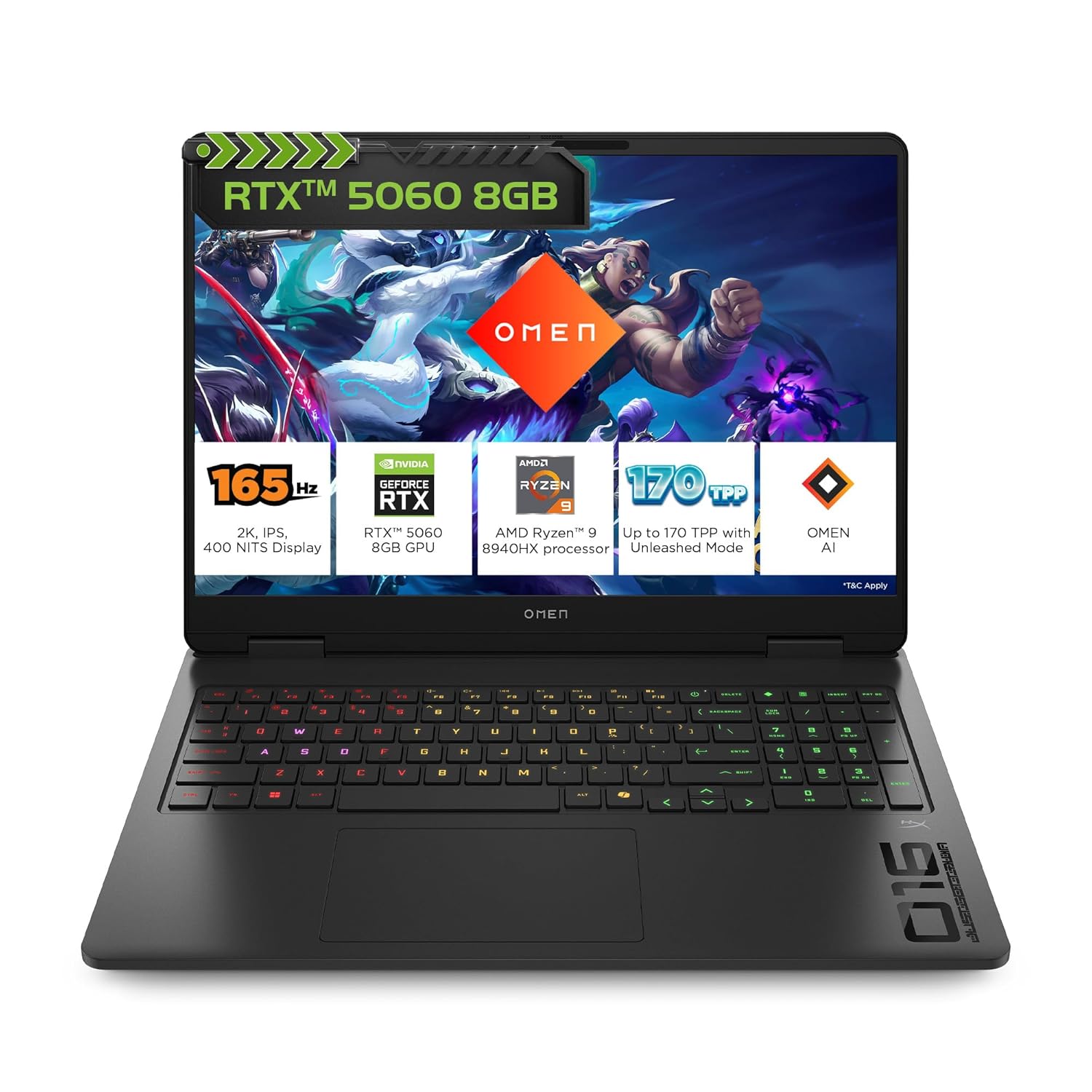
HP Omen Gaming Laptop

RTX 5060 · 24GB RAM · 1000GB SSD

₹1,75,100Advanced
Learn more
HP Omen Gaming Laptop, Design pick
Technology

Lenovo IdeaPad Slim 3

Integrated graphics · 24GB RAM · 1000GB SSD

₹87,990Balanced
Learn more
Lenovo IdeaPad Slim 3, Technology pick
Technology

Lenovo LOQ Essential Gaming Laptop

RTX 4050 · 16GB RAM · 512GB SSD

₹1,04,990Premium
Learn more
Lenovo LOQ Essential Gaming Laptop, Technology pick
Management

HP 15

Ryzen 7 · 16GB RAM · 512GB SSD

₹65,386Value
Learn more
HP 15, Management pick
Management

HP 15 (i5 14th Gen)

Core i5 · 16GB RAM · 512GB SSD

₹69,490Value
Learn more
HP 15 (i5 14th Gen), Management pick

Chosen automatically from the published catalog — picks and prices move with the market.

Understanding laptop specs

Not sure what CPU, VRAM, or thermals mean? Here's everything you need to know — in plain language.

The Brain

CPU

  • Runs your software, processes files, handles multitasking
  • Intel Core i7/i9 H-series or AMD Ryzen 7/9 HS/HX for design work
  • H-class only — U-class chips throttle under sustained creative load
  • Faster CPU = quicker 3D bakes, video exports, simulation calculations
  • More cores help when running Blender, Photoshop, and AI tools together

The Visual Engine

GPU

  • Powers 3D rendering, AI generation, real-time previews, video processing
  • NVIDIA RTX 4050 (6GB VRAM) is the practical minimum
  • RTX 4060 (8GB VRAM) strongly preferred for 3D, animation, game, or AI
  • VRAM is the most critical figure — aim for 6–8GB minimum
  • CUDA unlocks Stable Diffusion, Blender CUDA, DaVinci, and local AI models

Your Working Table

RAM

  • Holds all active apps, open files, and background processes
  • 16GB is the floor — 24–32GB strongly preferred
  • 3D, AI tools, and large file workflows exhaust 16GB quickly
  • Upgradeable RAM extends useful laptop life at low cost (~₹4,000–6,000)
  • Soldered RAM caps you permanently at what the laptop ships with

Speed and Space

SSD

  • Faster SSD = quicker boot, file saves, and 3D asset loading
  • 512GB is a bare minimum — assets and renders fill it fast
  • 1TB NVMe is the recommended starting point
  • NVMe (M.2) SSDs are significantly faster than SATA drives
  • A free M.2 slot lets you add storage later without replacing the drive

Colour and Clarity

Display

  • Colour accuracy is non-negotiable for any design discipline
  • Minimum: 100% sRGB coverage — DCI-P3 is a bonus for video/photo
  • 15–16 inch screen is more comfortable for extended creative work
  • 144Hz+ matters for game design and animation; less so for 2D and UI
  • Matte panel reduces glare under varied studio lighting

Performance Under Load

Thermals

  • Thin laptops throttle their GPU to prevent overheating
  • Same RTX 4060 can run 20–30% slower in a slim chassis vs. a proper build
  • Heavier chassis = better cooling = consistent sustained performance
  • Always check thermal reviews — benchmark peaks do not tell the full story
  • Critical if you render, animate, or run AI workflows for hours at a time

Extending Your Laptop's Life

Upgradability

  • Start at 16GB RAM, upgrade to 32GB a year later for ~₹5,000
  • A free M.2 slot lets you expand storage without opening the main drive
  • Upgradeable laptop beats a sealed one with the same specs — every time
  • Ask before buying: is RAM soldered? How many M.2 slots are free?
  • Upgradeability is the single biggest factor in 4-year value

From the guides

Practical, jargon-free reads on choosing and using your laptop.

Read all guides

MacBook Pro M5 Buyer Guide: Choosing the Right Chip for Ports, Wi‑Fi and Displays

The M5, M5 Pro and M5 Max MacBook Pro models differ in more than performance. Here is how Thunderbolt, wireless connectivity and external-display support should shape your choice.

26 Aug 20266 min read

Snapdragon C Is Entry-Tier: Why It Is Not a Cheaper Snapdragon X2 Laptop

Snapdragon C and Snapdragon X2 target different laptop classes. Learn how students, parents, and professionals should compare the full configuration instead of relying on the Snapdragon name.

17 Aug 20267 min read

Visual Studio 2026 on Windows on Arm: Check Your Workload Before Buying a Snapdragon Laptop

Visual Studio 2026 supports Windows 11 on Arm, but some important development workloads remain unsupported. Use this checklist before choosing a Snapdragon laptop for college or development.

13 Aug 20266 min read
Read all guides

Why trust these recommendations?

Straight answers about our process and how we make our picks.

Still unsure? Ask your doubt

Join the laptop guidance group on WhatsApp. Get advice from students and advisors who have been through the same buying decisions.

Join the laptop help group

Prices are approximate and change frequently. Affiliate links may earn a small commission at no extra cost to the buyer. Recommendations are educational and based on design workload suitability. Please verify specs, warranty, seller, return policy, and price before purchasing. No exclusive endorsement of any brand.

Find My Laptop — Design Course Laptop Recommender